Get Started
Step 1: Sign up
To get started, you need to create an account in Zeabur. You will need a GitHub account to sign up. If you don't have one, you can create one for free at GitHub.
Go to dashboard home page, it will redirect to login page providered by Clerk. You will see a button to sign up with GitHub. Click on the button, and you will be redirect to the GitHub authorization page. Click on the "Authorize" button to authorize Zeabur to access your GitHub account.

Step 2: Create a deployment token
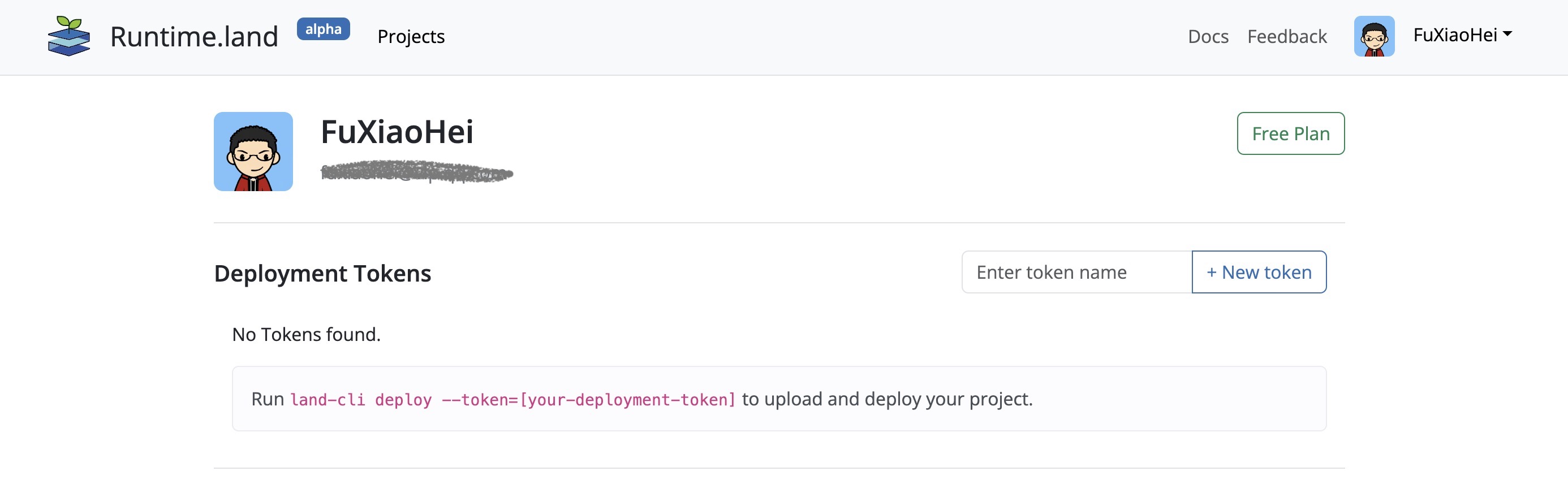
Go to Account page after login. You will see button [New Token] to create a deployment token.Type in a name for the token, and click on the "New Token" button. You will see a token string. Copy the token string and save it in a safe place. You will not be able to see the token string again after you leave this page.
Step 3: Install land-cli
land-cli helps you to create, run and deploy your project. It's a command line tool. You can install it by following the instructions below.
- Linux
- MacOS
- Windows
The easiest is to use the installer script, hosted on this site:
curl https://runtime.land/install.sh -sSf | sh
After installing, you can check if it was successful by running:
land-cli --version
The easiest is to use the installer script, hosted on this site:
curl https://runtime.land/install.sh -sSf | sh
After installing, you can check if it was successful by running:
land-cli --version
Download the latest version of land-cli from GitHub (not nightly) as land-cli-v0.1.0-windows-amd64.zip. Extract the zip file to a folder, and add the folder to your PATH environment variable.
Step 4: Create and deploy your first project
Read the Create project and Deploy project to create and deploy your first project.